
3D Product Animation
Design Noon
3D Product Animation Services
Show your product in a way buyers can understand.
Design Noon creates 3D animations for physical products, from close-ups that show the finish to cutaway views that reveal what happens inside. Whether you’re launching a product or explaining how it works, we build the animation around the details your buyers need to see.
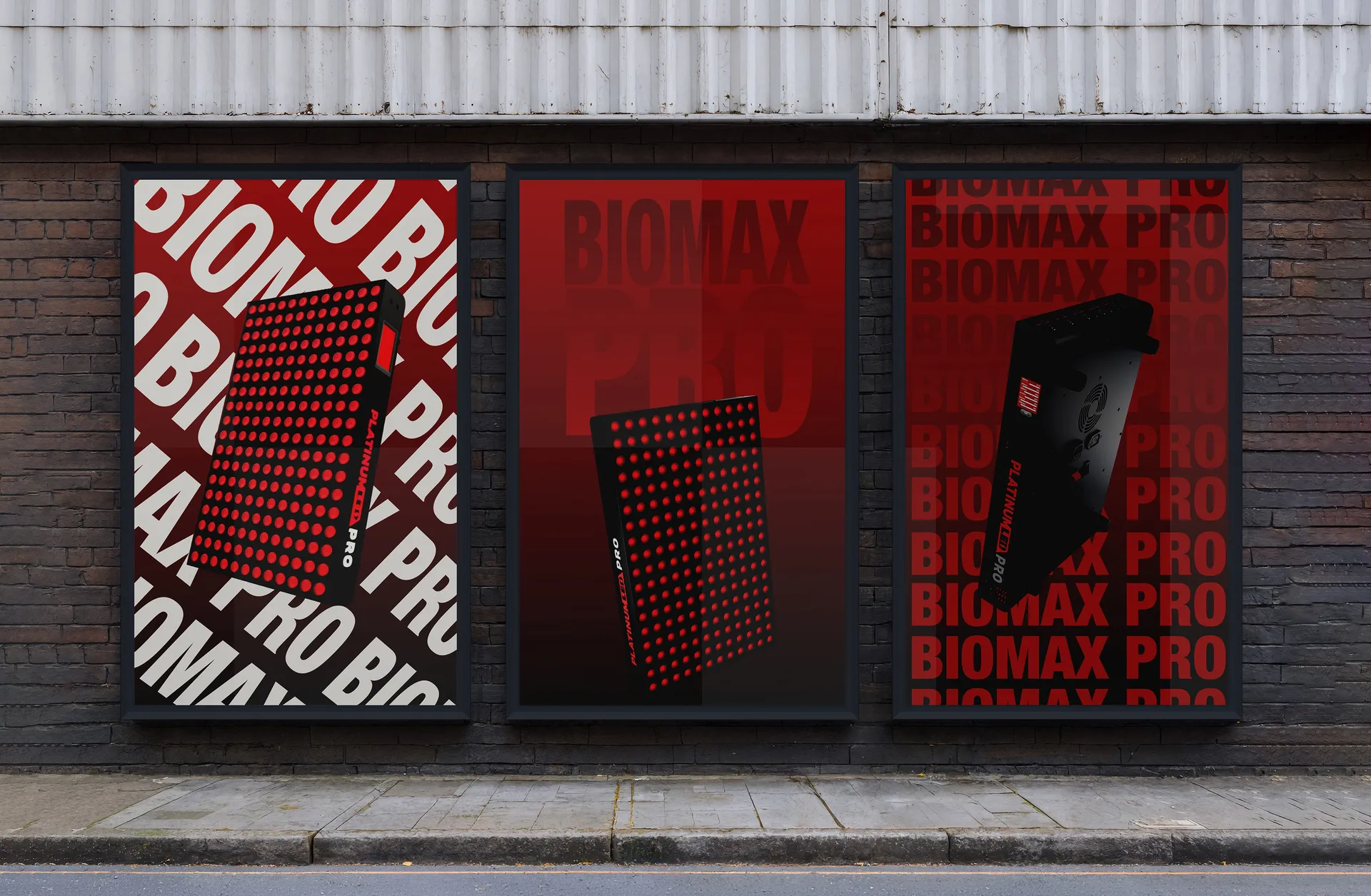
See how Design Noon used 3D modeling and animation to showcase the BioMax Pro from multiple angles. View the Platinum LED project.
Branding, Web Design/Development, 3d Animation
3D Animation
3D Animation
What Can We Create for Your Product?
Product Demonstrations
Feature Close-Ups and Cutaways
Product Launch Videos
Introduce your product with a sequence that shows its form, materials, and key features. If you need a longer version for the product page and short clips for social or a trade show, we can plan those uses before choosing the shots.

From Product References to Finished Animation
We start with the materials you have, from CAD files to product photos and dimensions. Together, we decide what to show, plan the shots, and give your team a chance to review how the product looks and moves before we prepare the final video for the places you’ll use it.
We start with your audience and the job the video needs to do. Together, we identify the features to highlight, the actions to demonstrate, and where the animation will appear.
We review available CAD files, photos, dimensions, and finish references. From there, we map out the angles and sequence so your team can confirm what the animation will show.
We prepare the 3D assets, set up the materials and lighting, and animate the agreed shots. Your team can review how the product looks and moves before final delivery.
We prepare the agreed versions for the places you’ll use them, such as a product page, a sales presentation, or a trade show display.
Frequently Asked Questions About 3D Product Animation
Do we need CAD files to get started?
CAD files can be helpful, especially when dimensions or moving parts matter. If you don’t have them, share clear photos from several angles, dimensions, and any drawings you have. We can review those materials and let you know what else we’d need.
Can you animate a product that’s still in development?
What affects the cost of a 3D product animation?
How long does a 3D product animation take?
Most 3D product animations take about 4–8 weeks, depending on whether CAD files are ready and how complex the shots are.
What Do You Want Buyers to See
Tell us what your product does, which details are hardest to explain, and where you want to use the animation. We can help you decide what to show and how to frame it.