A 3D product animation video can show how a product works, reveal parts a camera can’t reach, or give buyers a closer look at its materials and controls. Before production starts, decide what viewers need to understand and gather the references that will help the animation team show it accurately.
1. Decide what the video needs to show
Write one sentence that finishes this thought: After watching, our audience should understand… If you’re introducing a new product, you might want viewers to see how it fits into their workspace. If you’re explaining a technical feature, you might need a close-up or a cutaway that shows how the parts move. Flag the features that must appear and identify which details can be left for a product page or spec sheet.
2. Gather your product references
Share any CAD files or 3D models you have, along with product photos, dimensions, and finish or color references. If the product has several versions, specify which one should appear. For a product still in development, label which details are final and which may change. If you don’t have a 3D model, clear photos from several angles and accurate dimensions can give the team a starting point.
3. Choose where the video will appear
A product page might need a detailed walkthrough, while a social ad might need a short close-up of one feature. List your intended placements before storyboarding so the team can frame shots for the right screens and plan any shorter edits. Decide who will approve technical details and who will sign off on the final video.
See a finished product animation
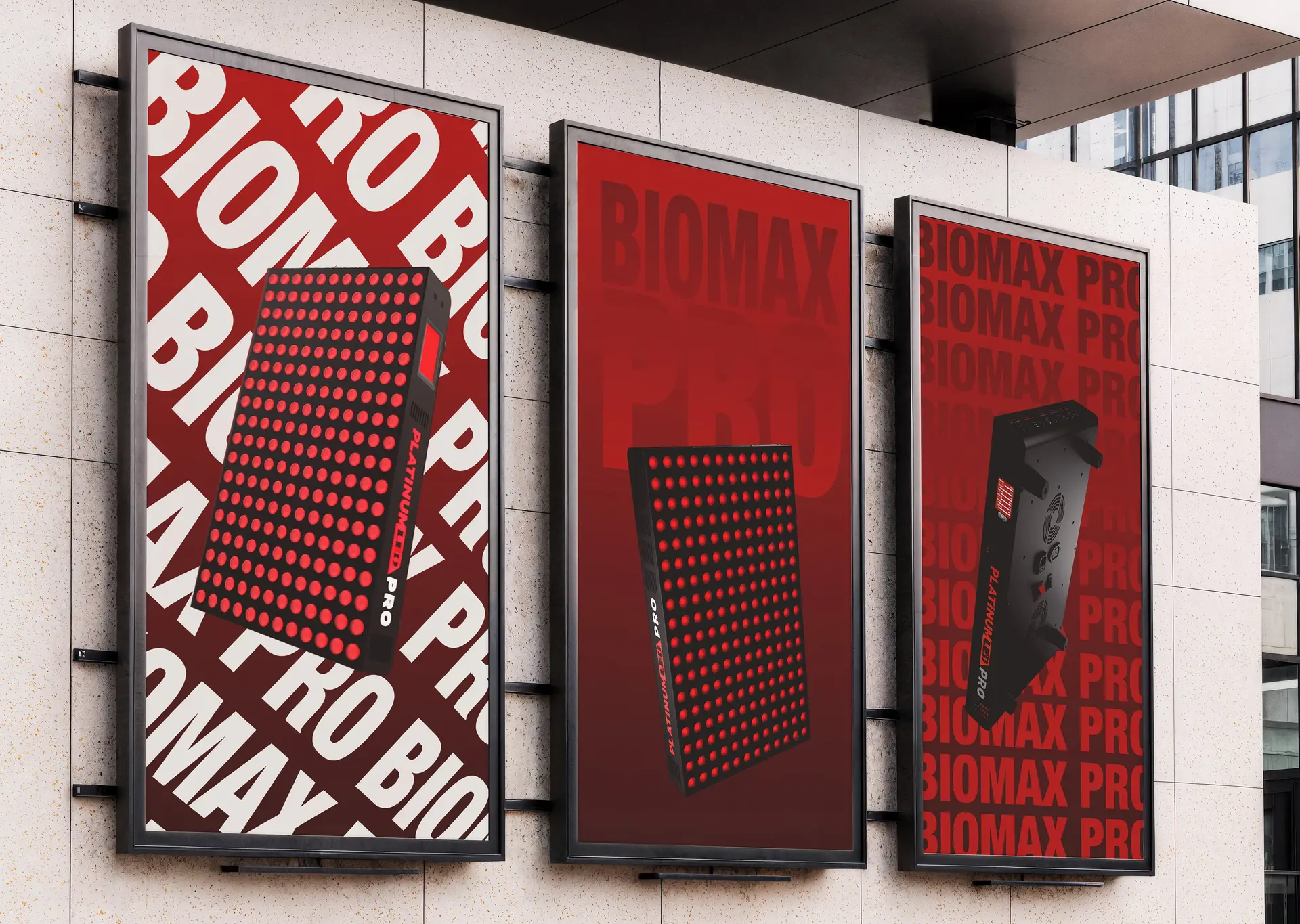
Design Noon used 3D modeling and animation to showcase the BioMax Pro for Platinum LED. View the Platinum LED project for an example of how a product can be presented from multiple angles.
Ready to turn your brief into a video? Explore our 3D product animation services to see what we can create for your product and how the process works.