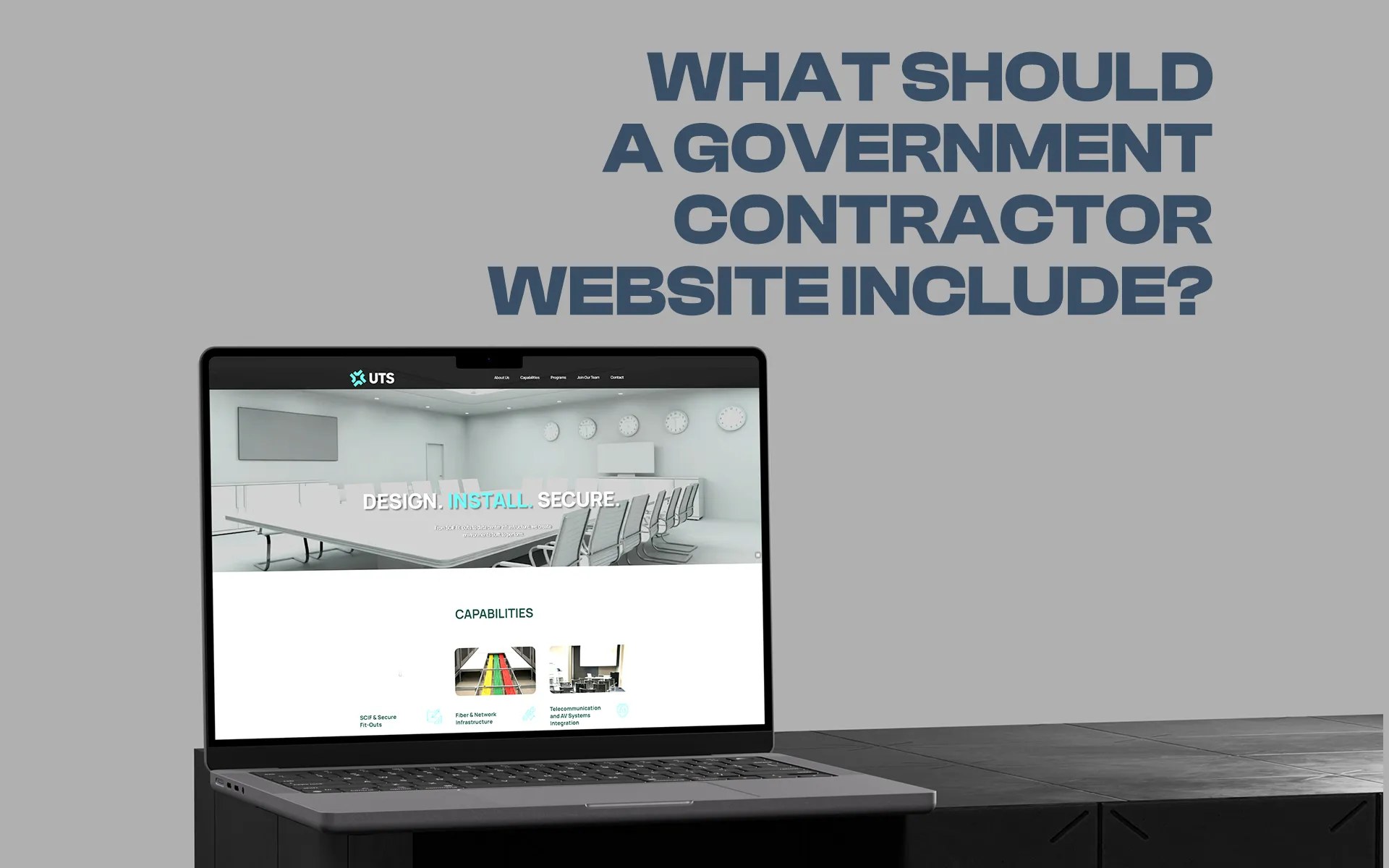
A government contractor website should help a prospective customer or teaming partner answer three questions quickly. What do you do? Where have you done it before? Who should they contact? Make those answers easy to find before deciding what the homepage should look like.
Government Contractor Website Design Essentials Every Business Should Know
Explain your capabilities in plain language
Start with a sentence that says what your company does and who it serves. Then give each core capability its own section or page. For example, “fiber and network infrastructure” gives visitors a clearer starting point than “technology solutions.” Use the page to explain what your team delivers and when a customer or partner would bring you in.
Show relevant work your team can share
Connect each major capability to an approved project example. A short entry can explain the challenge, your role, and what you delivered. If you can’t name the client or location, use a description your team has cleared for public release. Put the example near the relevant service so visitors can see the connection without searching your entire portfolio.
Give buyers and partners a clear next step
If your team uses a capabilities statement, give visitors an obvious place to find it. Make it clear who handles teaming inquiries and who handles other requests. Before launch, ask someone outside your team to find a capability, locate a relevant project, and reach the right contact from their phone. Wherever they get stuck is a good place to simplify.
See how UT Services presents its capabilities
UT Services brought in Design Noon to modernize its identity and build a new website. The site organizes technical offerings such as secure facility fit-outs and fiber and network infrastructure into clearly labeled capabilities. View the UT Services project.
Planning a site for a government contracting business? Explore Design Noon’s web design and development services.